
Below you will find what scrin.io records while your team is working, and what your team can see about it. Each feature has its own page.
See the work
What the app records while your team is working, so every hour on the invoice has something behind it.
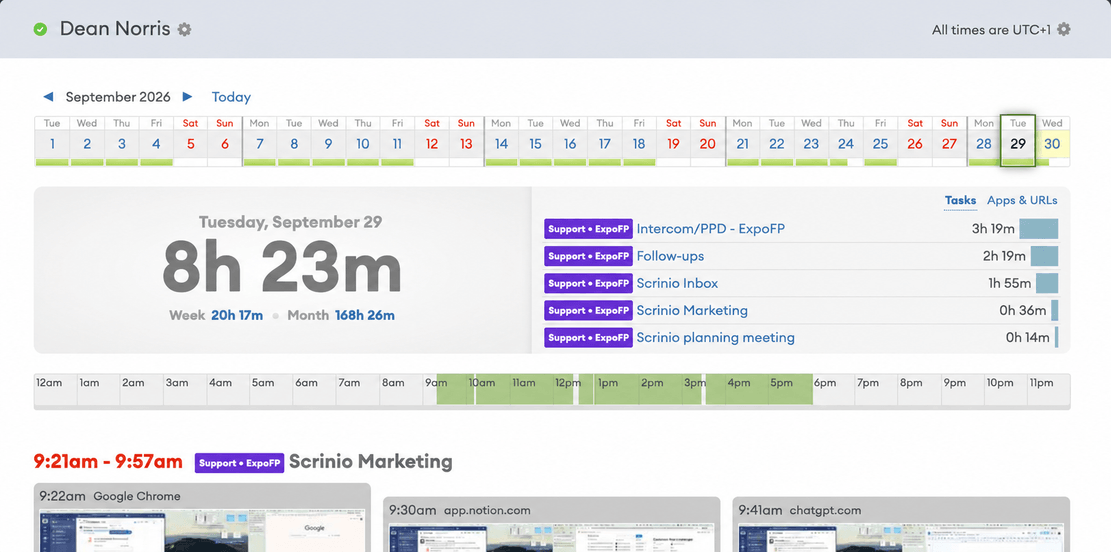
Screenshot monitoring
Know what was behind every tracked hour.
Screenshots at random intervals, so there is no fixed schedule to work around. Everyone is notified each time one is taken.
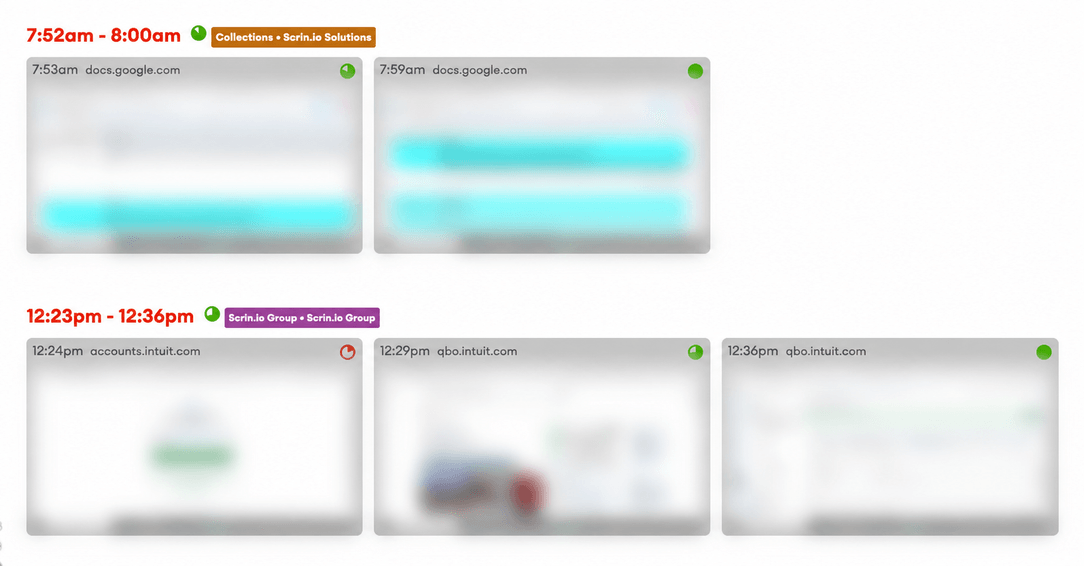
Activity levels
Tell time at the keyboard from time on the clock.
The share of tracked time that had keyboard or mouse input. It measures presence, not keystrokes, so typing faster does not raise the score.
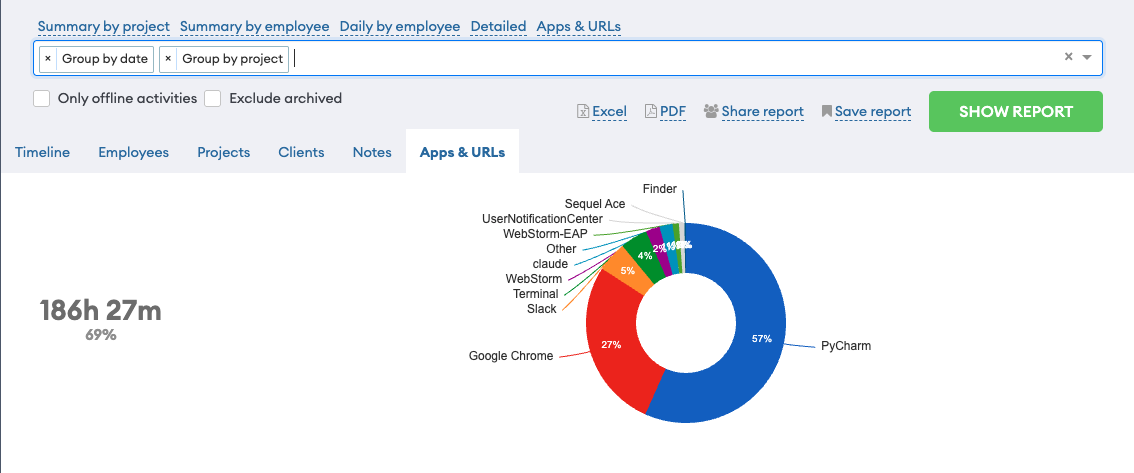
Apps & URLs
See which tools the work was actually done in.
See which applications and websites your team used during tracked time, on the timeline and grouped in reports.
Track the time
Where the hours went and what they were spent on, including the work done with no internet connection.
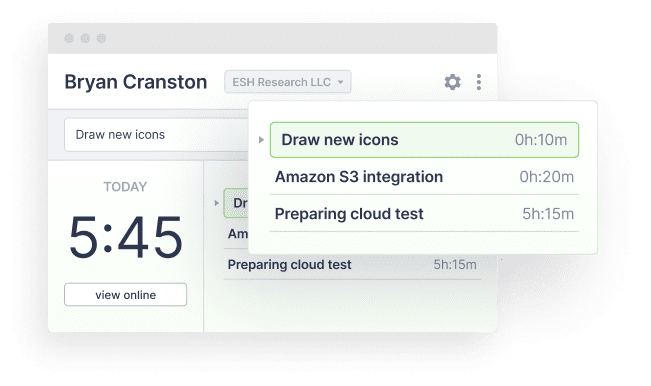
Time tracking
Hours that record themselves, with or without a connection.
A desktop app your team starts and stops themselves. It keeps recording offline and pauses when nobody is at the keyboard.
Projects & clients
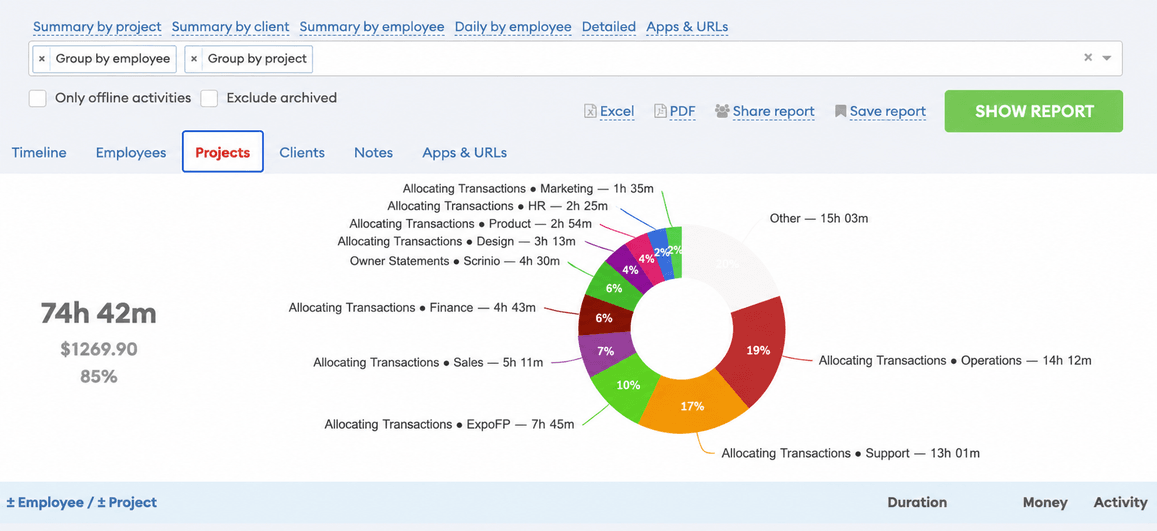
Every hour already belongs to a project and a client.
Every hour is assigned to a project and a client as it is tracked. Each project has a colour on the timeline, and archiving one keeps its history.
Understand the data
Getting the numbers out: on screen, in Excel or PDF, by email on a schedule, or straight into your own systems.
Reports & exports
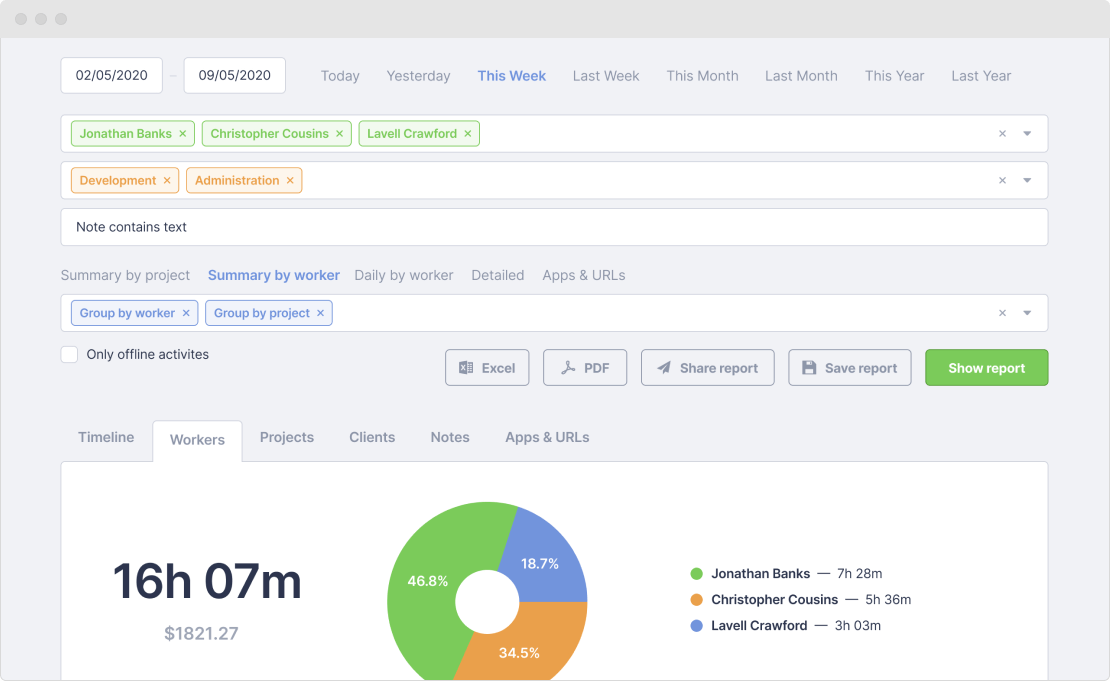
Get the hours out in the shape you need them.
Filter and group your data, export it to Excel or PDF, share a read-only link, or send the report by email on a schedule.
API & integrations
Hours reach your payroll without anyone retyping them.
An HTTP API that speaks JSON. Read tracked time, screenshots and projects, and create projects, invite people and add offline time.
Built for trust
The part of the product that protects the person being tracked. It is on by default, and this is the page to send to your team.
Privacy & transparency
Start tracking for free
No credit card required.
New to scrin.io? The Help Center has a getting started guide.